DBX is most interesting as database governance for AI agents
DBX combines a lightweight database client, Docker self-hosting, AI SQL, MCP, and CLI access; its real value is a governed database access layer for humans and agents.
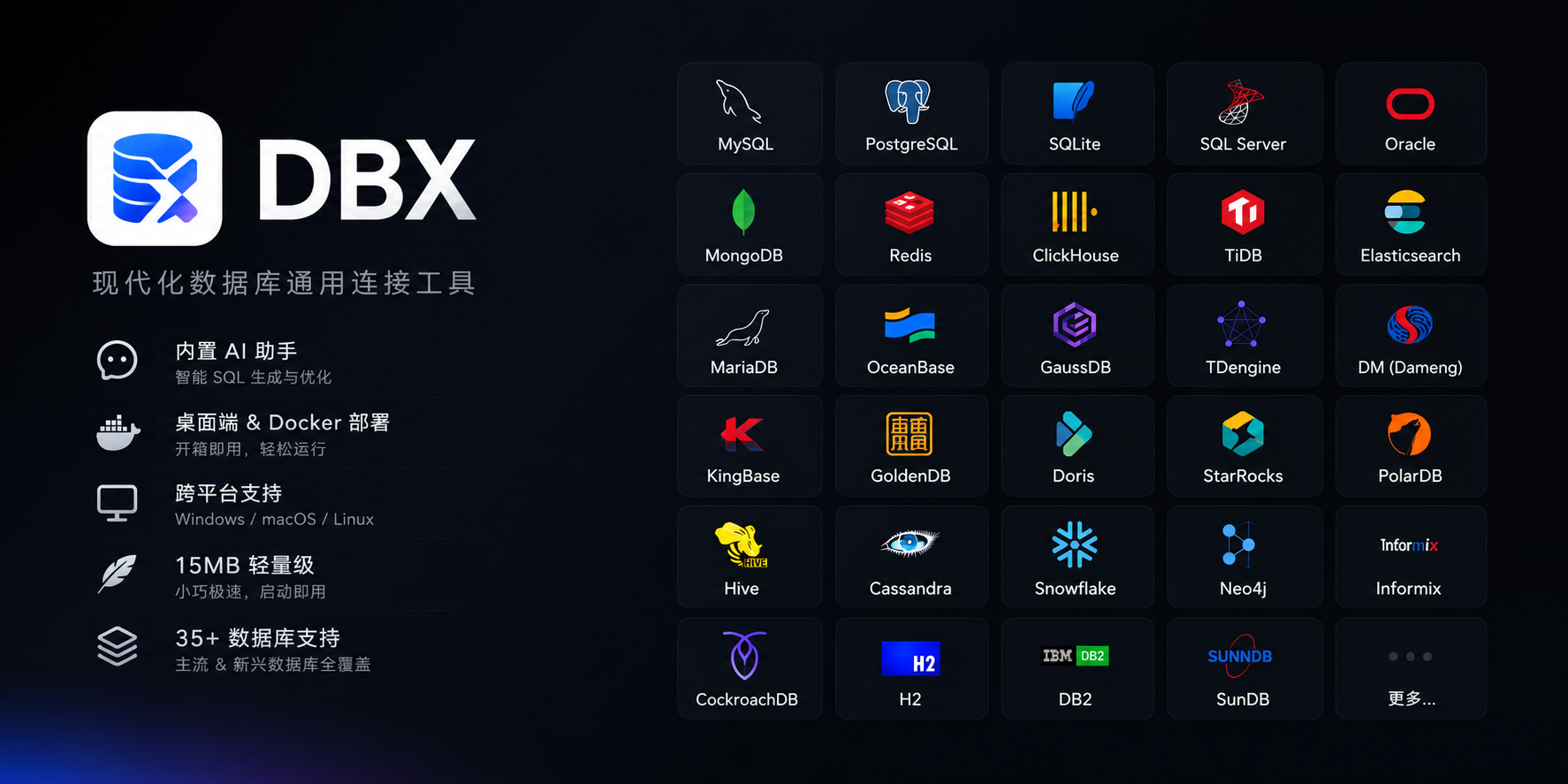
The most useful way to read DBX is as a governance problem disguised as a database client. The project advertises more than 60 supported databases, a small desktop footprint, Docker self-hosting, AI SQL assistance, MCP integration, and a CLI. Those are attractive features, but the strategic question is sharper: how should teams let humans and AI agents touch databases without scattering credentials everywhere?
Traditional database clients were built for human operators. Agentic development changes the shape of access. A coding agent may need to inspect a schema, verify a migration, query a test row, compare result sets, or explain a failing integration test. If each tool gets its own secret, policy, and connection logic, the environment becomes difficult to reason about.
A client can become an access boundary
DBX already contains the ingredients for that boundary: configured connections, schema browsing, query execution, a desktop UI, a web deployment mode, an MCP server, and a CLI. In principle, that lets a team expose database knowledge to agents through a consistent surface rather than through raw connection strings in project repositories.
This does not automatically make database access safe. It simply gives teams a place to enforce habits: separate environments, label connections clearly, default production to read-only, keep destructive actions explicit, and log the queries that matter. The client is useful only if it supports the policy around it.
The 20 MB story is really about deployment friction
DBX uses Tauri rather than a bundled Chromium shell. That explains the small footprint and the claim that it does not need a Java runtime, Python environment, or embedded browser. For individual developers, this is convenience. For teams, it means the tool is easier to install across operating systems and easier to test in constrained environments.
The Docker version adds another dimension. A browser-accessible database console can be convenient for internal platforms, but it should be treated as sensitive infrastructure. Put it behind VPN, SSO, or a zero-trust gateway. Do not make “self-hosted” mean “publicly reachable with a password”.
AI SQL is useful, but not the main event
Generating SQL from natural language is helpful. Explaining and optimizing queries is helpful. Supporting Claude, OpenAI, local models, and compatible endpoints is also practical. But AI SQL is the least surprising part of the project.
The more durable feature is the MCP server. It allows MCP-compatible tools to list connections, browse tables, execute SQL, and open results in DBX. That is a step toward treating database access as part of the agent toolchain rather than an improvised side channel.
Where DBX fits
DBX fits small teams with heterogeneous databases, independent developers who want one tool for application data, internal platform teams that need a self-hosted web console, and agent-heavy workflows where database context needs to be exposed carefully. It is less compelling as a wholesale replacement for mature enterprise database platforms with established audit, approval, and policy systems.
The database list is broad: MySQL, PostgreSQL, SQLite, Redis, MongoDB, DuckDB, ClickHouse, SQL Server, Oracle, Elasticsearch, vector databases, JDBC systems, and more. But breadth should not be the only adoption criterion. The real test is whether DBX makes the daily database workflow simpler without weakening the permission model.
Bottom line
DBX is worth watching because it sits at the intersection of lightweight database tooling and agentic engineering. If teams use it merely as another GUI, it is convenient. If they use it as a controlled access layer for humans, scripts, and AI agents, it becomes much more interesting.